It is for anyone who needs to understand, explain, or build cron jobs. For example when reviewing an existing schedule or creating a new one for automations and system tasks.
LoopTapper
Understand cron expressions instead of guessing at asterisks
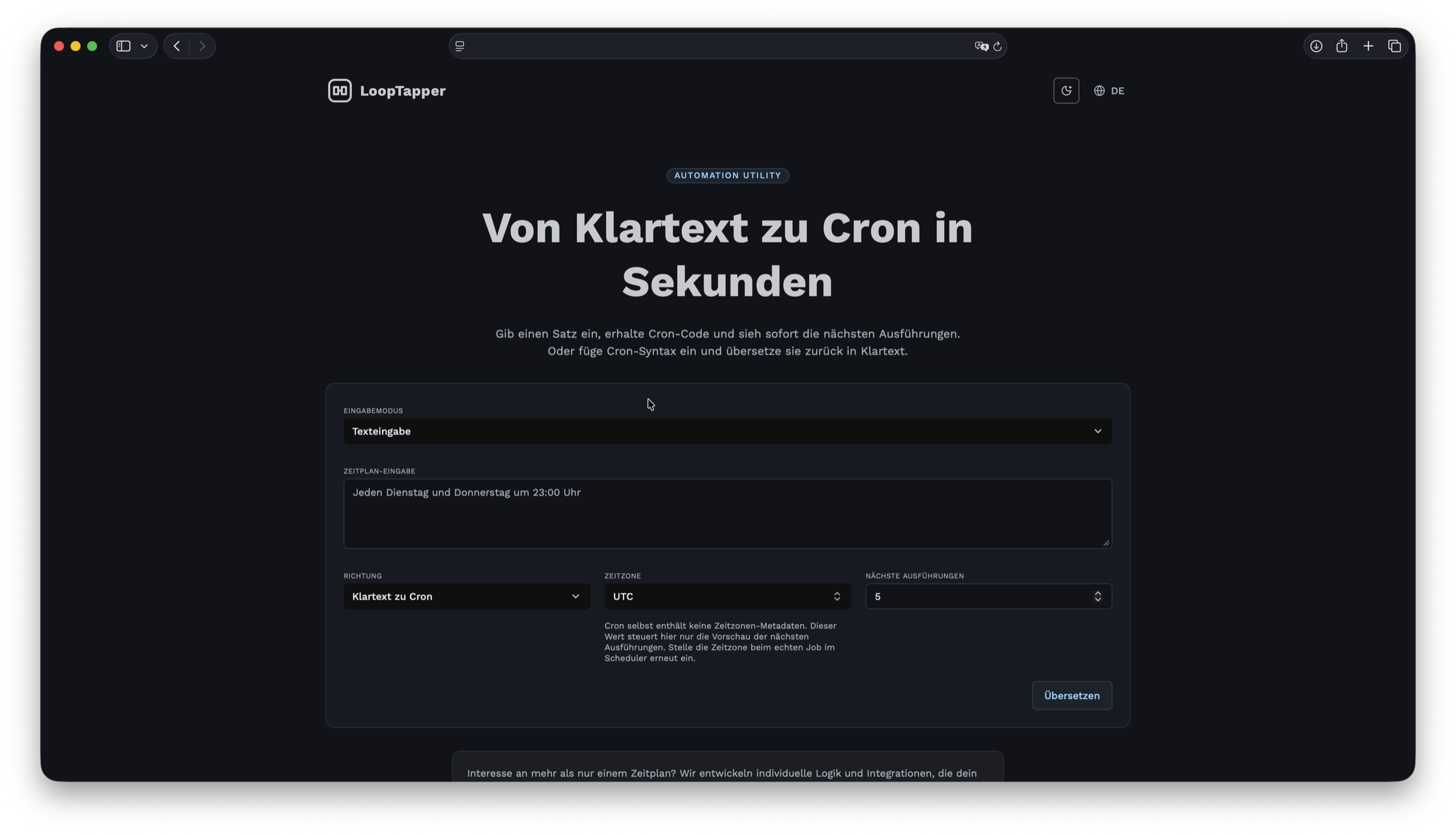
The tool is for anyone who needs to inspect, explain, or build cron jobs quickly without decoding the syntax from scratch every time.
Highlights
What is LoopTapper?
A free utility for cron expressions. Use it to understand existing schedules and build new ones without repeatedly looking up the syntax.
Read cron without loving cron
When an expression already exists, LoopTapper turns it into a readable description. That makes it much easier to verify whether a scheduled job actually runs when it is supposed to.
Process
How LoopTapper is used
Three simple steps to inspect cron expressions or build new schedules.
Step 1
Step 1
Enter the cron expression
Paste an existing expression or start with the schedule you want to describe.
Step 2
Step 2
Review the schedule in plain language
LoopTapper shows what the expression actually means. That makes it easier to spot misunderstandings and wrong assumptions.
Step 3
Step 3
Reuse or adjust the expression
Once the schedule looks right, you can reuse the expression directly or refine it until it matches your job.
FAQ
Technical questions
Try LoopTapper right away
If you want to understand cron expressions faster or build new schedules more cleanly, open the tool directly in your browser.