For comparing text in copy work, documentation, prompt writing, specifications, and anywhere changes need to be visible quickly.
WhatTheDelta
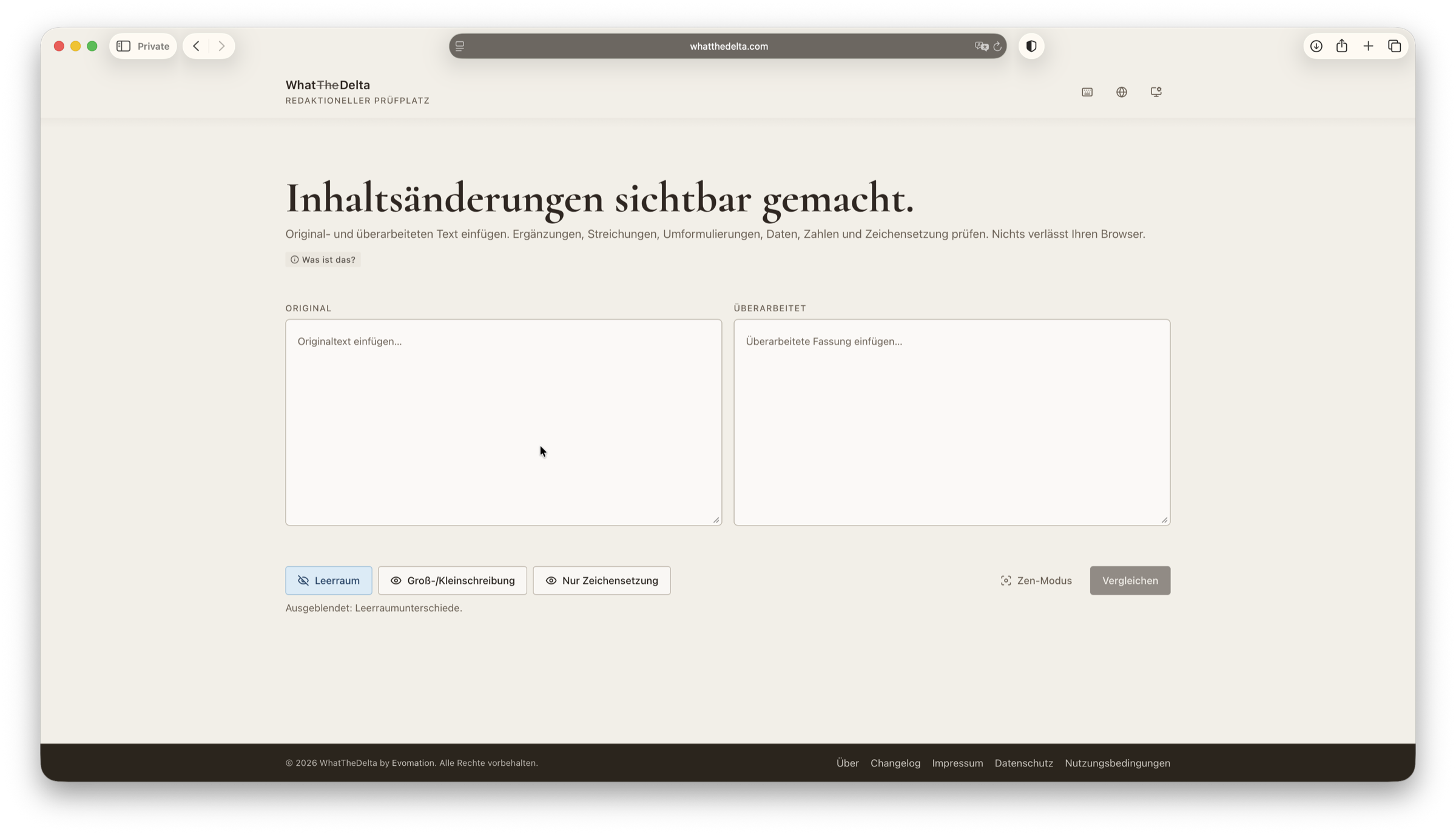
See text changes immediately instead of scanning line by line
When working with copy, prompt variants, technical text, or documentation drafts, manual comparison wastes time. WhatTheDelta reduces the work to what actually changed.
Highlights
What is WhatTheDelta?
A focused comparison tool for situations where the full text is not the problem, only the differences between versions.
Differences directly in view
WhatTheDelta highlights changes clearly so teams do not have to compare two versions manually side by side.
Process
How WhatTheDelta is used
Three simple steps to make differences visible.
Step 1
Step 1
Paste the original text
Paste the first version of the text that should serve as the baseline.
Step 2
Step 2
Add the updated version
Add the revised version that should be compared against the original.
Step 3
Step 3
Review the differences
WhatTheDelta marks the relevant changes directly so review becomes faster and easier to follow.
FAQ
Technical questions
Could WhatTheDelta fit your workflow?
If your team regularly compares text versions by hand, it is worth checking whether WhatTheDelta can simplify that step.